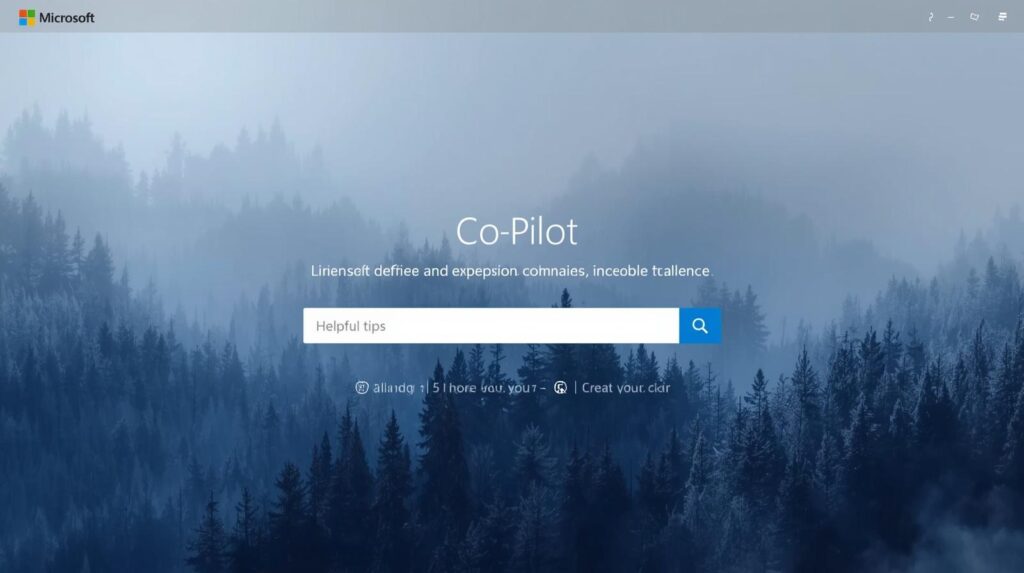
Microsoft Copilot is the AI layer embedded across Microsoft 365 — Word, Excel, PowerPoint, Outlook, and Teams. Built on the same underlying models as ChatGPT (OpenAI's GPT series), Copilot applies AI capabilities directly inside the productivity tools that the majority of the world's businesses already use daily. For organisations with formal Microsoft 365 deployments, Copilot is the most natural AI adoption path available.
What distinguishes Copilot from ChatGPT is not the underlying model — they share much of the same architecture — but the integration depth. Copilot can draft emails in Outlook with full context of your inbox thread, generate PowerPoint presentations from a Word document, build Excel formulas and analyse data without leaving the spreadsheet, and summarise entire Teams meeting recordings with action items automatically extracted.
For enterprise and mid-market businesses with established Microsoft environments, Copilot reduces AI adoption friction to near zero. There is no new interface to learn, no separate subscription to manage, and no workflow disruption. AI becomes available exactly where and when business users need it — inside the documents, emails, and meetings they are already working in.
Key Features for Business Owners
Copilot works inside Word (draft, edit, summarise), Excel (formula generation, data analysis, chart creation), PowerPoint (create presentations from prompts or documents), Outlook (draft emails, summarise threads, schedule meetings), and Teams (meeting summaries, action item extraction, real-time translation).
Copilot's BizChat allows you to ask questions across your entire Microsoft 365 data — emails, documents, meeting notes, Teams conversations — to surface answers, find files, and synthesise information from your organisation's own content. This is enterprise AI memory at scale.
Copilot processes data within your Microsoft 365 tenant. Your data does not leave your organisation's environment, is not used to train underlying models, and is subject to the same compliance frameworks (GDPR, ISO 27001, SOC 2) governing your existing Microsoft 365 deployment. For regulated industries, this is a critical differentiator.
Copilot joins Teams meetings, transcribes in real time, generates meeting summaries, extracts action items, and answers questions about meeting content after the fact. For organisations running large numbers of meetings, this alone recovers significant time.
Copilot Studio allows businesses to build custom AI agents for specific workflows — customer service bots, HR onboarding assistants, IT helpdesks — without coding. These agents can access your organisation's own data sources and APIs, enabling genuinely bespoke AI automation.
Plan and Pricing


Microsoft Copilot is the most compelling AI adoption path for organisations already running Microsoft 365. The depth of integration, enterprise-grade data handling, and zero-friction deployment make it uniquely suited to formal business environments. For small businesses and individuals not already embedded in the Microsoft ecosystem, the cost and complexity are harder to justify relative to ChatGPT or Claude. But for any organisation that lives in Outlook, Teams, and Excel, Copilot is not optional — it is the obvious next step.